
Motion video for your brand, directed by your own AI.

Give it a website. Get back a finished film, planned, checked and voiced in 23 languages.

How it works
Five steps, and every one is a card in your chat.
Ask your AI for a film. IntroGen answers with the real artefacts below, and nothing renders until you say go. The film, the plan and the numbers on these cards are an example.
It reads your site
Point your AI at a URL or a brief. IntroGen captures the pages, the palette, the type, the logo and the facts.
Make a 30-second launch film for findagent.cloud
introgen_start_production- Pages
- Home, Browse, Submit
- Colors
- #1d3557#e63946#f1faee
- Type
- The site’s own faces
- Logo
- Found, vector
- Facts
- 4 found, each with its page
You approve the plan
A scene-by-scene plan lands in your chat, with a quote as a range. Nothing renders until you say go.
Show me the plan
introgen_read| # | Scene | On screen | Source |
|---|---|---|---|
| S1 | Title | A catalog of focused AI agents | F1 |
| S2 | Browse | Browse agents by industry | F2 |
| S3 | Connect | Use them in your own AI app | F3 |
| S4 | Submit | Submit your own agent | F4 |
| S5 | Close | findagent.cloud | CTA |
Brand intro · 30 s · wide + vertical · voiced · en
kokoro-82m@cpu$0.00mixkit-library$0.00remotion@cloud-sandbox$0.15No provider spend, so nothing to accept.
Every scene is checked
The fact gate refuses any claim it cannot trace to your site, and every scene is inspected in every format first.
Run the checks before we render
introgen_check- A catalog of focused AI agentsF1Cited
- Browse agents by industryF2Cited
- Submit your own agentF4Cited
- findagent.cloudno claimCall to action
- The best agents anywhereno sourceRefused
4 lines clear, 1 refused. Fix it or cite it, then run the gate again.
Every scene and every cut, in every format.
By-eye checklist: 9 questions on every sheet
Every format, watched
Wide, vertical and square are designed separately, not cropped from one another. The finished film is scanned every 0.2 seconds.
Looks right. Render it.
introgen_render


Frames rendered by IntroGen. Each format is laid out for itself, never cropped from another. Rendered in the cloud, up to 1440p.
Finished-film scan: one frame every 0.2 s
You get the film
Voice, captions and music are added, and the download links arrive in the same chat.
Send me the files
introgen_filesLinks stay valid for 72 hours.
Under the hood
The engines your film really runs on.
Six open engines on the studio’s own CPUs, each under a licence that allows commercial use. The voices are licensed studio engines, never a draft voice; the images, the upscaling and the transcript timing come from the same shelf.

Kokoro 82M
Voice-over
Apache-2.0CPU

Freya TTS
Turkish voice-over
Apache-2.0CPU

Chatterbox
Multilingual voice-over
MITCPU

FLUX.2 klein 4B
Image plates
Apache-2.0CPU

Real-ESRGAN
Image upscaling
BSD-3-ClauseCPU

faster-whisper
Transcript and timing
MITCPU
Every mark is its vendor’s own, shown to identify the engine; no affiliation or endorsement is implied (see the notice in the footer). Engines that need a GPU are not listed until they run for customers.
The film wall
Twelve frames from films we rendered ourselves.
Scroll to step through them. Each one is a real frame from an IntroGen film, in the vertical cut.
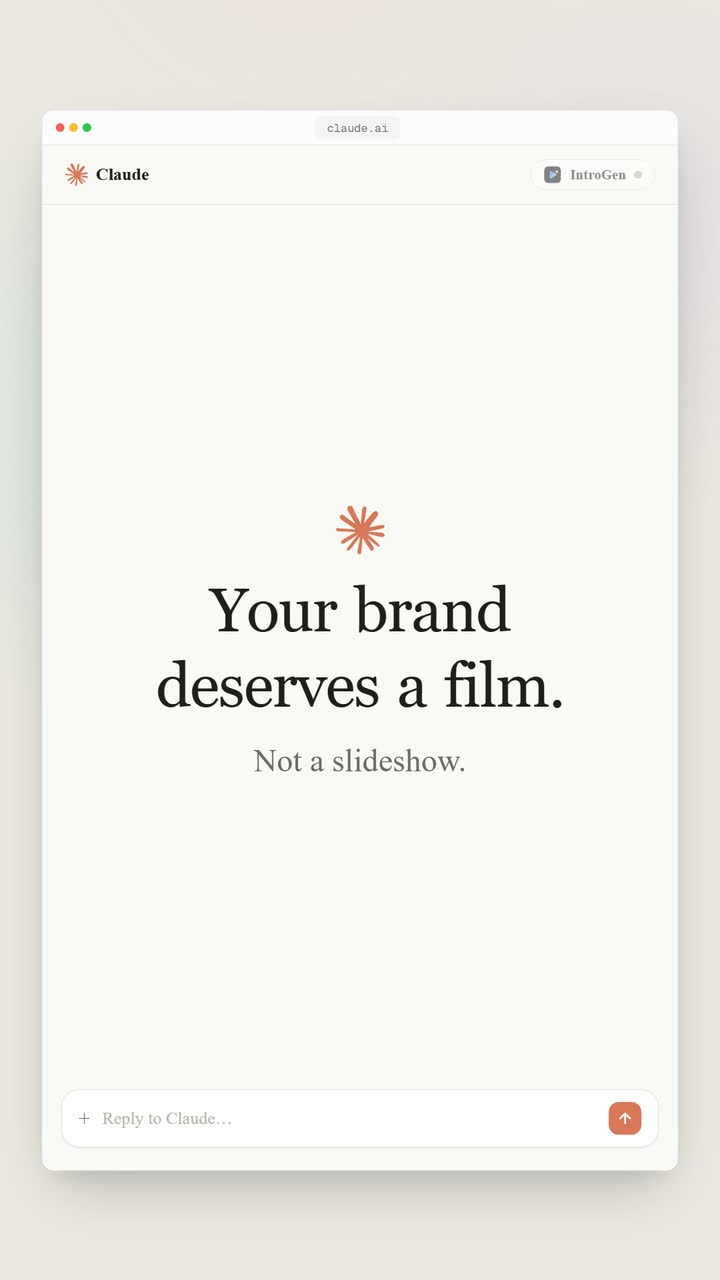
The beliefA brand deserves a film, not a slideshow. 
The problemMost brand videos are just slides. 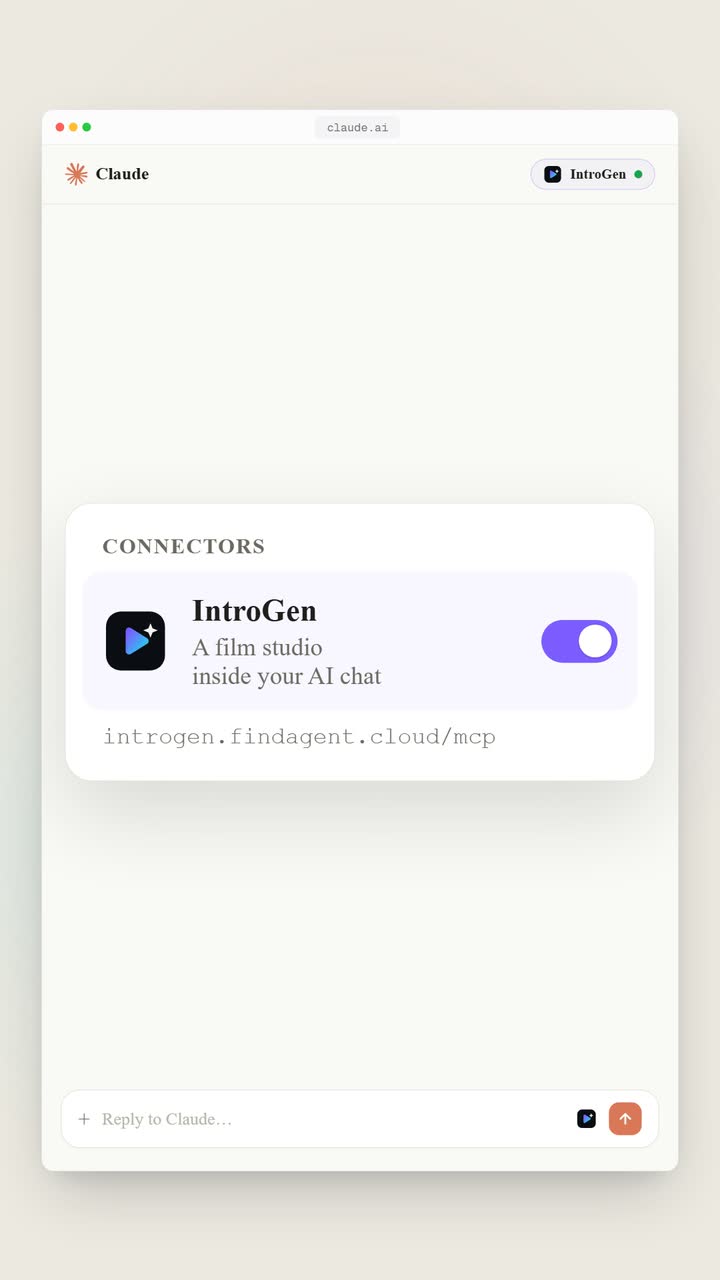
ConnectSwitch IntroGen on in your AI app’s connectors. 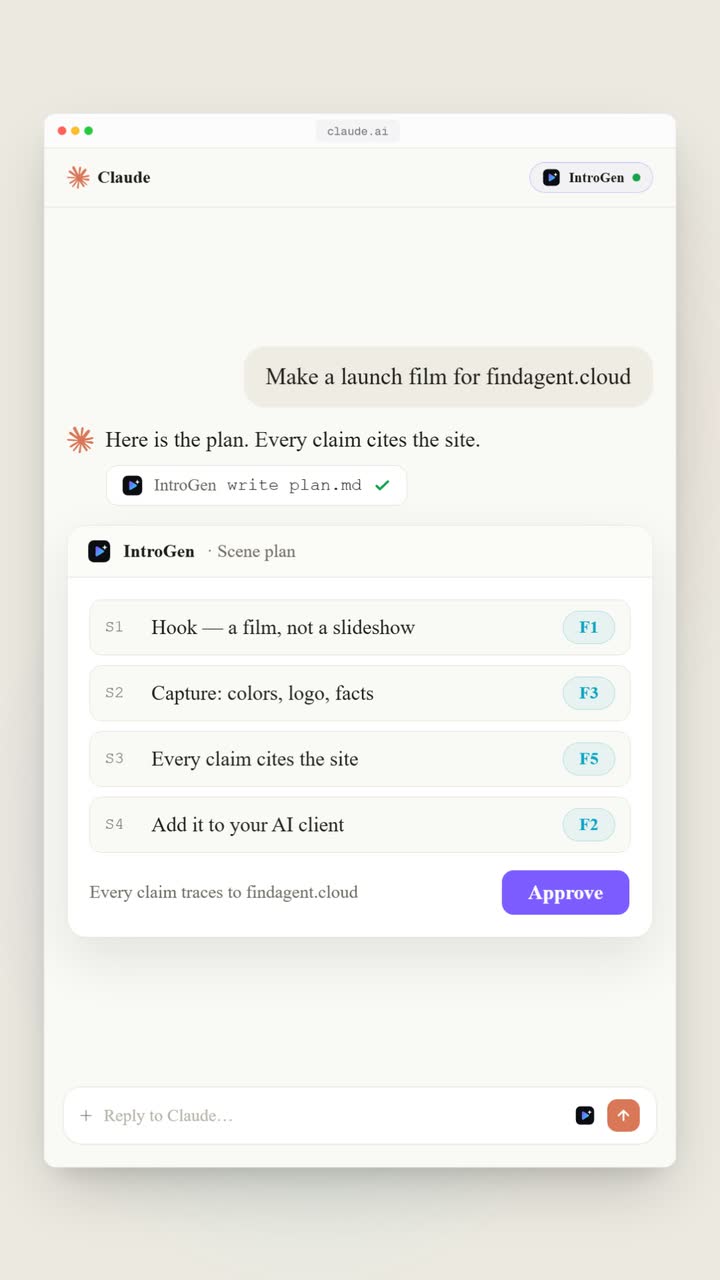
PlanThe scene plan you approve before anything renders. 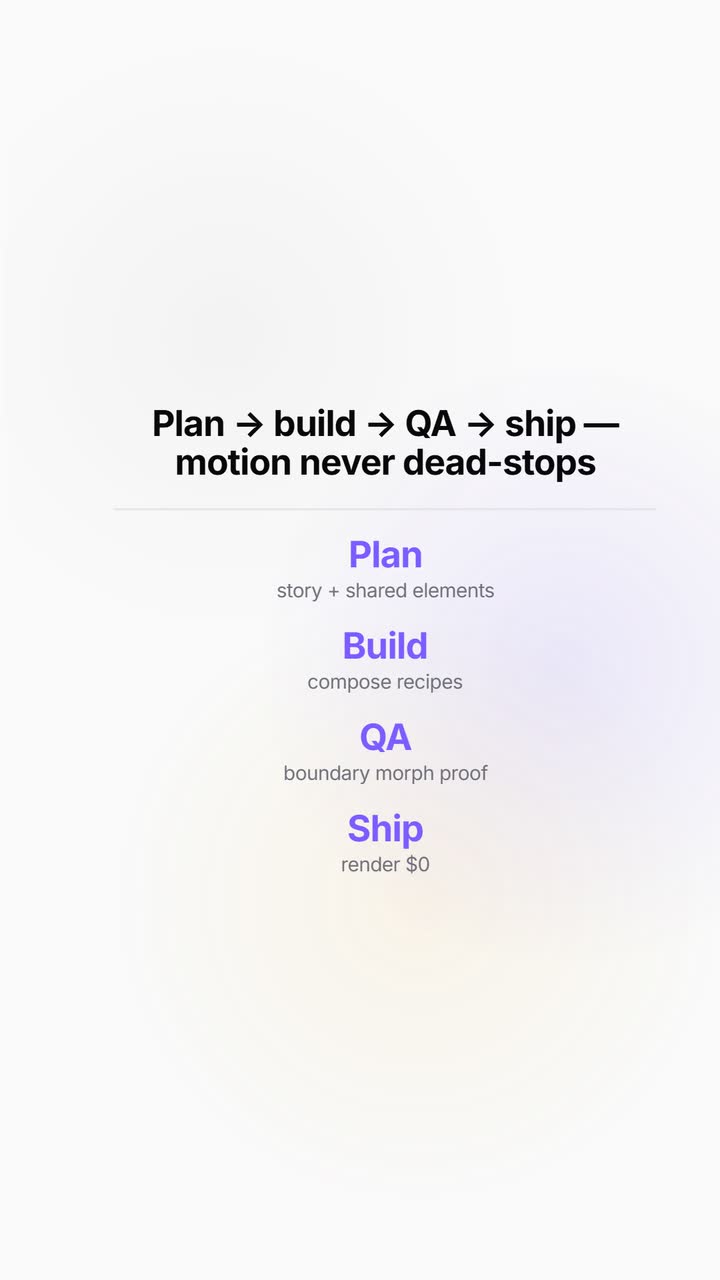
The pipelinePlan, build, QA, ship. 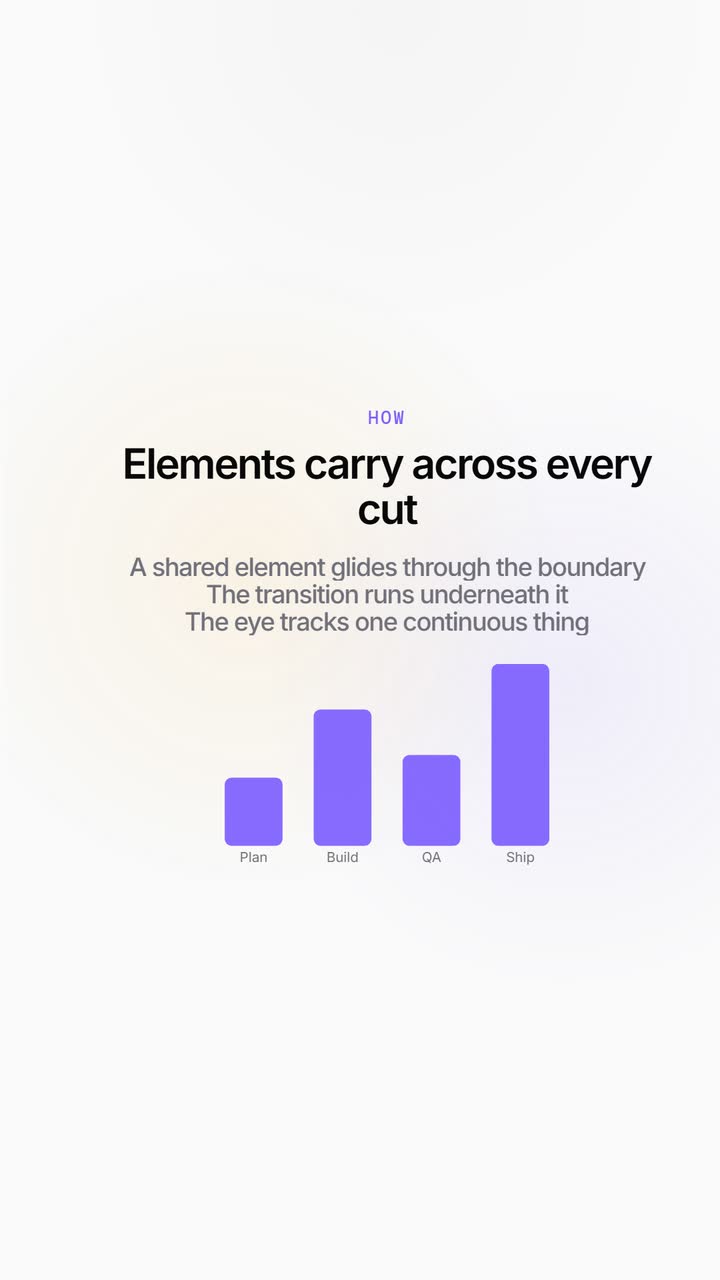
One takeElements carry across a cut. 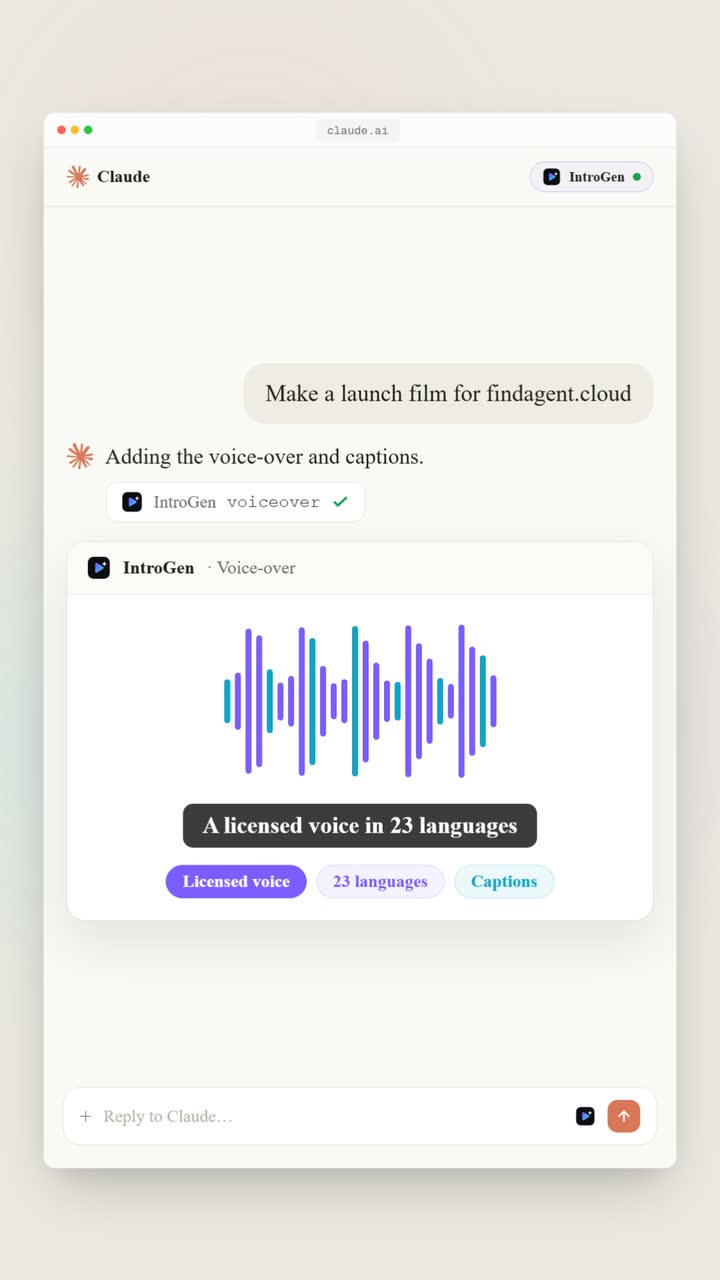
VoiceA licensed voice and captions in 23 languages. 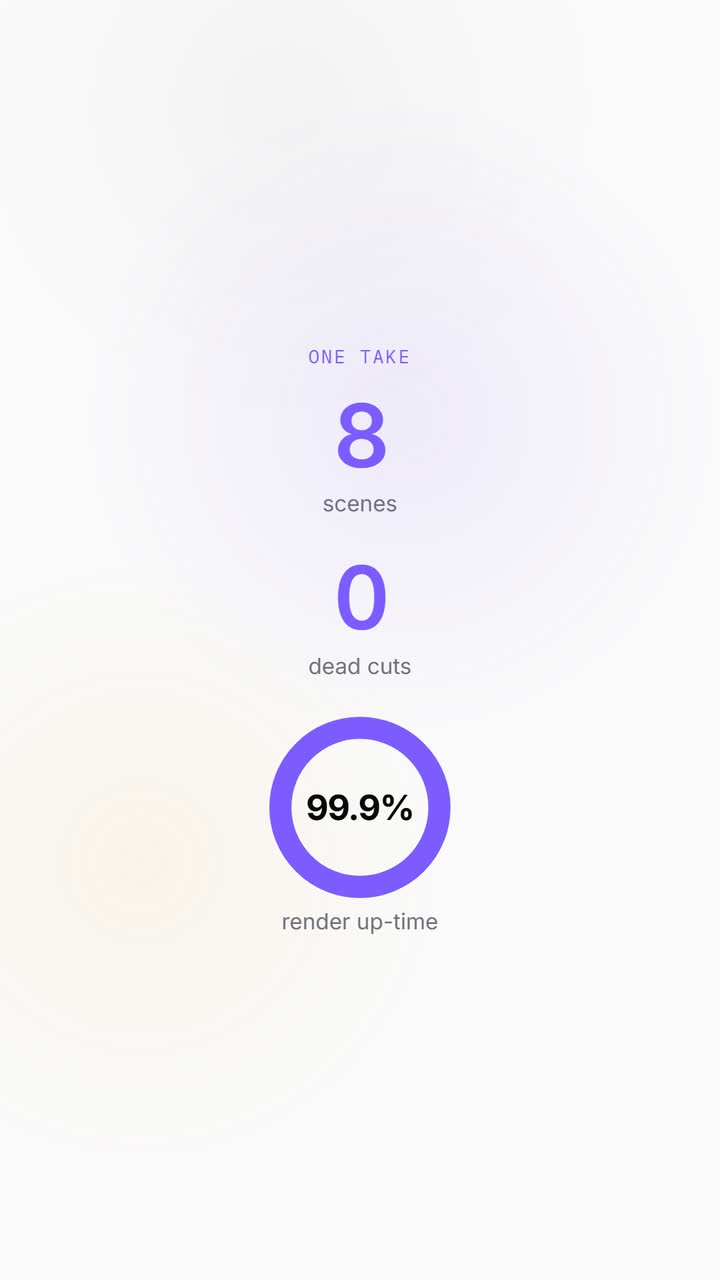
The numbersEight scenes, zero dead cuts. 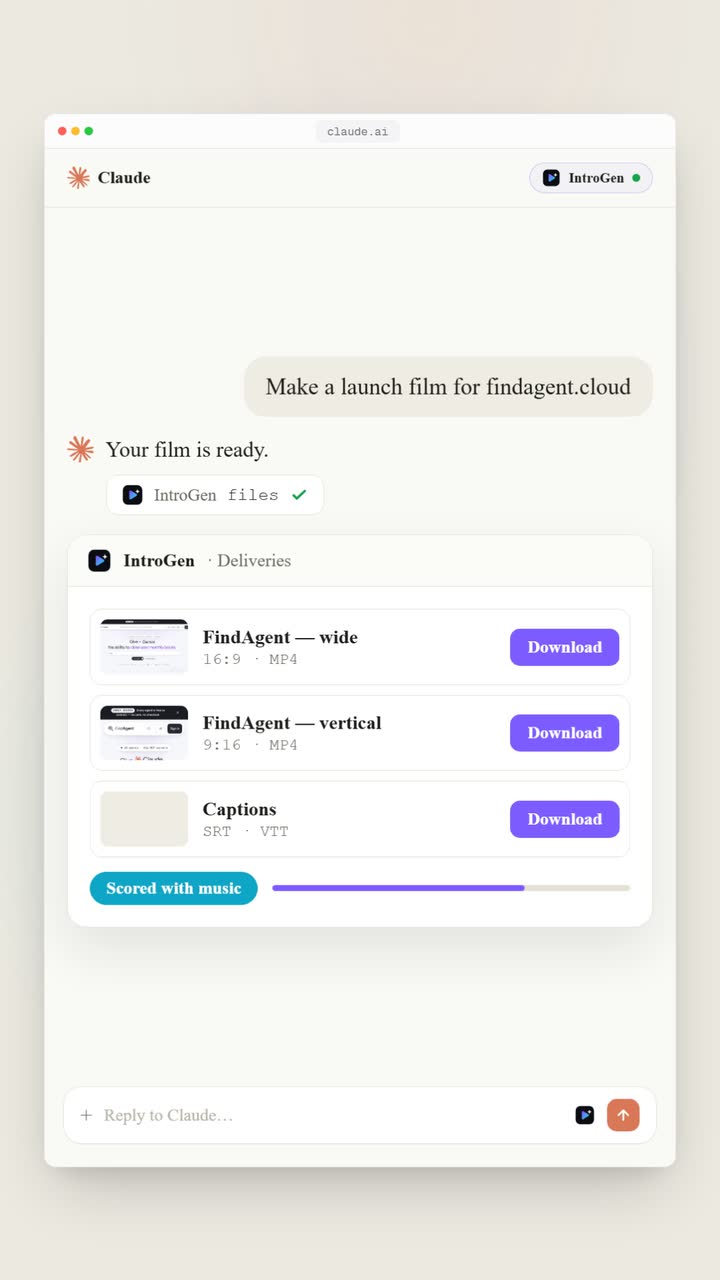
DeliverDownload-ready files, scored with music. 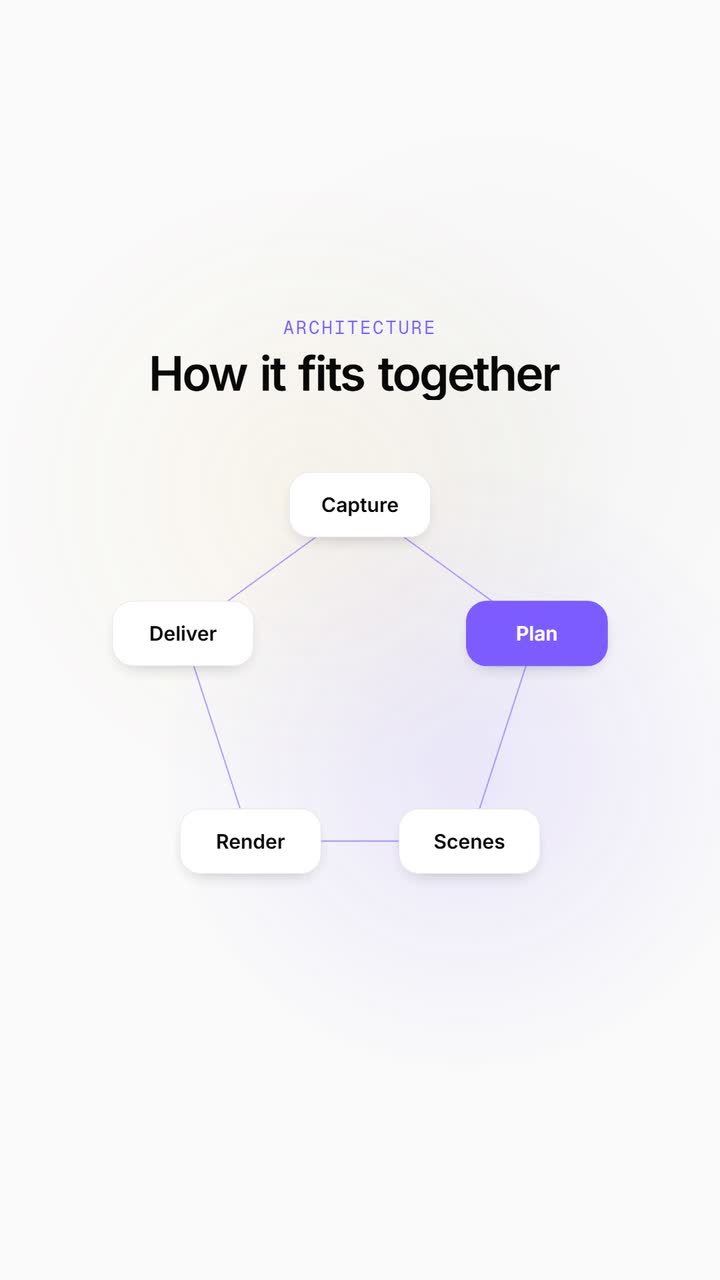
The systemHow the parts fit, drawn as a diagram. 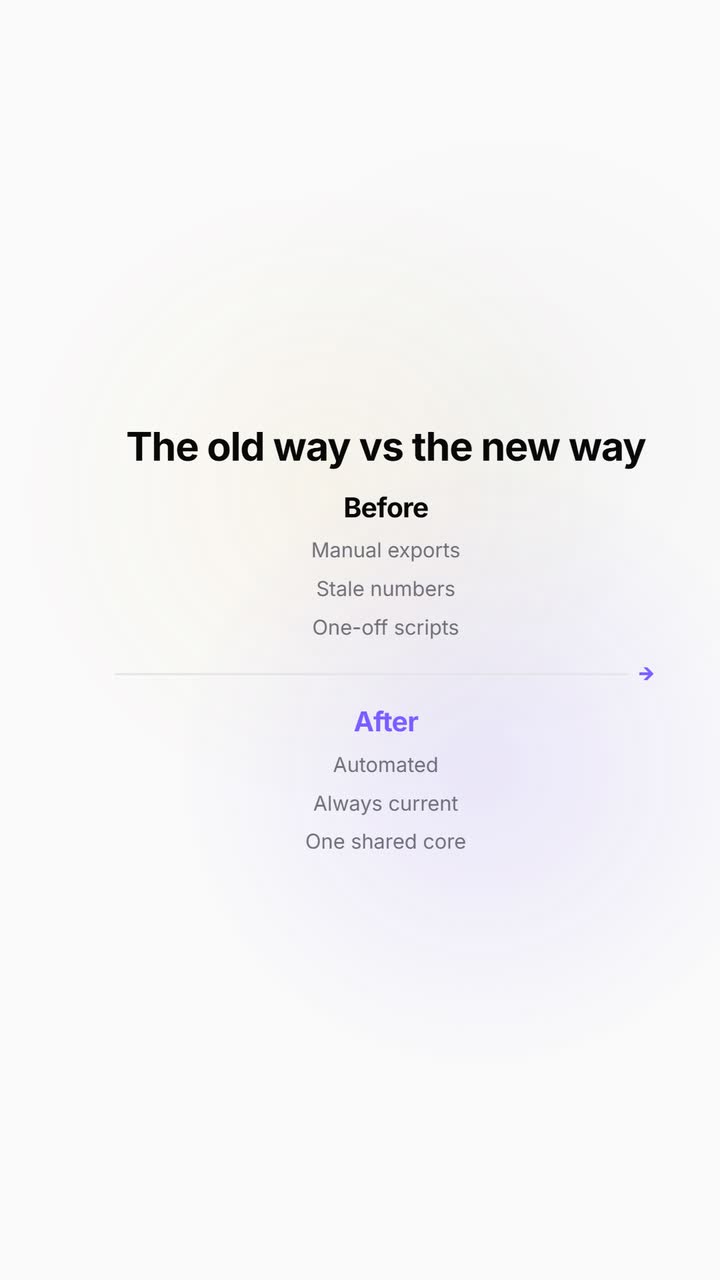
Before and afterThe old way against the new, in one frame. 
The askOne button, one address, nothing else.
All twelve frames are renders of IntroGen’s own films and scene kit.
23 languages
One film. Every language.
The same scenes and the same timing, a licensed studio voice and captions in each. Hover a language to see the opening frame in its own script; pick one to play the film above in that language.

Connect once
One address. Your whole studio.
IntroGen is an MCP server: add it once and it appears inside the AI you already use. Sign in with your FindAgent account when asked; there is no key to copy.
- Copy the endpointIt is the address of the studio.
- Add it as a custom connectorIn your AI app, add a custom connector (an MCP server) and paste the address.
- Ask for a film“Make a launch film for our website.” The AI does the directing, IntroGen does the rest.
https://introgen.findagent.cloud/mcp Claude (web, desktop, mobile)
- Open Settings, then Connectors, and choose Add custom connector.
- Paste https://introgen.findagent.cloud/mcp as the address.
- Sign in with your FindAgent account when asked. That is all: no key to copy.
 ChatGPT (Plus and above)
- Turn on Developer mode (Settings, then Security and login), then open Plugins (formerly Connectors) and create a developer-mode app for a remote MCP server.
- Paste https://introgen.findagent.cloud/mcp as the address and sign in with your FindAgent account when asked.
- ChatGPT Free and Go cannot add a custom MCP server: use Claude, Cursor, VS Code or another MCP client.
Claude Code
claude mcp add --transport http introgen https://introgen.findagent.cloud/mcp
# then run /mcp inside Claude Code and sign in with FindAgent VS Code
{
"servers": {
"introgen": {
"type": "http",
"url": "https://introgen.findagent.cloud/mcp"
}
}
} Cursor
{
"mcpServers": {
"introgen": {
"url": "https://introgen.findagent.cloud/mcp"
}
}
} Gemini CLI
{
  "mcpServers": {
    "introgen": {
      "httpUrl": "https://introgen.findagent.cloud/mcp"
    }
  }
}
Questions
Questions, answered.
What is IntroGen?
IntroGen is a hosted motion video studio you direct from your own AI assistant over MCP (the Model Context Protocol). Give it a website or a brief and it studies the brand, plans the film scene by scene, checks every scene in every format, adds an AI voice-over from licensed studio voices, captions and music, and hands back download links.
How do I use it?
Add https://introgen.findagent.cloud/mcp to your AI app as a custom connector (an MCP server), sign in with your FindAgent account when asked, then ask for what you want, for example: “Make a launch film for our website.” The AI does the directing; IntroGen does the capture, planning, rendering, voice-over and captions.
Which AI apps does it work with?
Any client that supports remote MCP servers, including Claude (web, desktop and Claude Code), ChatGPT connectors, Gemini CLI, Cursor and VS Code with Copilot agent mode.
What do I get, and in what quality?
Wide (16:9) and vertical (9:16) films with music, with captions you can switch on or off, delivered as download links. The cloud renders up to 1440p.
Is the film made by AI, and do I have to say so?
Yes: the voice-over is synthetic, and when a film uses generated imagery, the production records where each image came from. Many platforms ask you to label realistic AI-made or altered content when you publish, so check each platform’s current rule. The full wording is on the Terms page.
Does it make things up?
No. Every number and quote in the film must exist on your site. The plan cites its sources, and you approve it before anything renders.
Which languages are supported?
English plus 22 dubbed languages: العربية, Dansk, Deutsch, Ελληνικά, Español, Suomi, Français, עברית, हिन्दी, Italiano, 日本語, 한국어, Bahasa Melayu, Nederlands, Norsk, Polski, Português, Русский, Svenska, Kiswahili, Türkçe, 中文. Every dub comes with captions. The voice-over is synthetic. It is made by the studio’s own licensed engines (Kokoro, Freya and Chatterbox, run on the studio’s servers); Edge-TTS is only a draft voice, it is not licensed for client delivery, and delivery warns when a film uses it.
How long does a film take?
A 45-second film typically takes about 15 minutes from the website address to the download links, depending on the site.
Who can use it?
IntroGen is not open to everyone yet: for now it is available to FindAgent admins and people holding a key. A free demo plan for every FindAgent account comes when it opens.
Transcript of the film
- Your brand deserves a film — not a slideshow.
- Meet IntroGen: a film studio inside your AI chat.
- Give it your site. It studies your brand — colors, logo, facts.
- You approve the plan. Every claim traces to your site — nothing is invented.
- Every scene and every cut is checked before it renders.
- Wide, vertical, square — real layouts, never letterboxed.
- A licensed voice in twenty-three languages, with captions.
- Delivered as download links, scored with music.
- Add IntroGen to Claude, ChatGPT, Gemini, Cursor, VS Code — or any MCP client.
Give your AI a film studio.
One address. Every film your brand needs.
https://introgen.findagent.cloud/mcp